
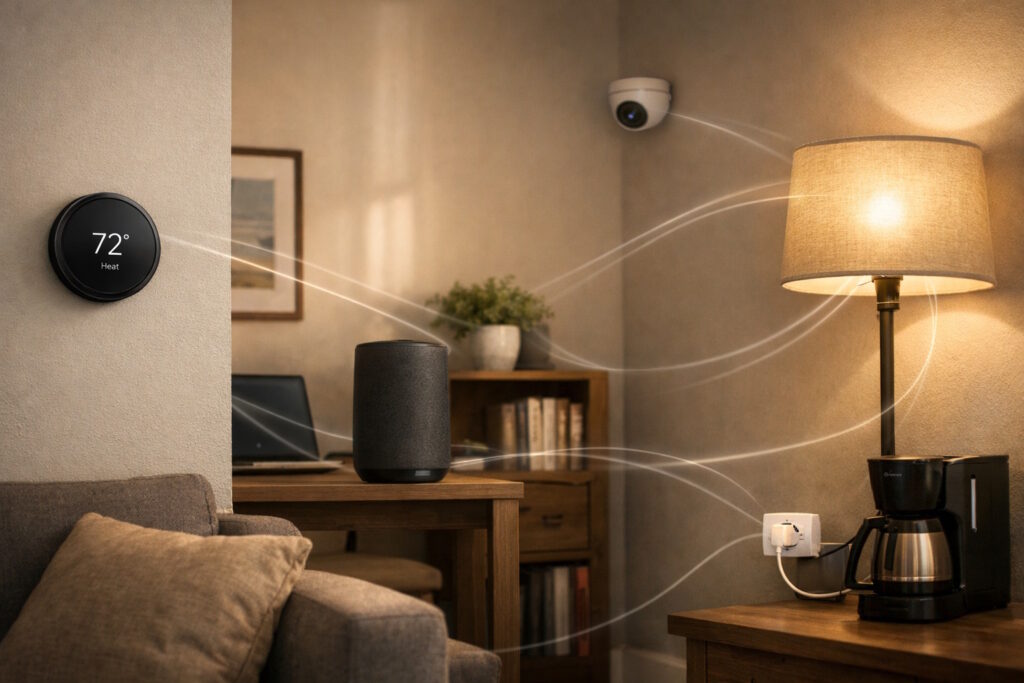
Key Takeaway: IoT connectivity is the network foundation that allows connected devices to send and receive data reliably, whether through Wi-Fi, cellular, wired, or satellite links. It turns simple device signals into usable insights by moving information from sensors to applications, where software can analyze, alert, and respond. When organizations understand how IoT connectivity works at a basic level—message, route, and confirmation—they can make smarter choices about coverage, reliability, cost, and security.
Introduction: The Invisible Link Behind Smart Everything
IoT connectivity is the invisible network glue that helps everyday objects share information. In practice, it includes device connections, wireless links, and machine-to-machine communication between connected devices and the systems that support them. If you have ever checked a smart camera on your phone, you have seen the result. The same idea also supports factory sensors, medical monitors, and smart meters.
Why does this matter now? More organizations want real-time visibility. They also want faster decisions and fewer blind spots. Many people still wonder: How does a small device reach the internet? This article answers that.
IoT Connectivity, in Plain English
When people talk about IoT connectivity, they usually mean one simple capability. A device can send and receive data with dependable timing. That data might be a temperature reading, a location ping, or a basic on-off status. The device does not “talk” like a person, but it does share messages. Those messages follow a path, and something on the other end gives them meaning.
You can picture it like sending a postcard. The device writes a short note, adds an address, and hands it off. A network carries it forward, often through several stops. Finally, an application reads the note and takes action. Sometimes the application sends a reply, like a new setting.
IoT Connectivity as a Conversation: Message, Route, Confirmation
If you ask, “What exactly gets sent?” the answer is often small bursts of data. A sensor might report 22.4°C, a door opening, or a battery level. The device packages that information so other systems can read it. It may also attach timing details, which helps later analysis.
Next comes the route. The message travels through a local network, through a carrier network, or through both. Along the way, it may pass through a hub or a gateway. Those helpers translate and forward messages, much like a bilingual colleague in a meeting.
Finally, the device often expects confirmation. It may not need a full reply, but it wants proof of delivery. When confirmation fails, the device tries again later. That simple loop shapes how “responsive” a connected product feels.
From Sensor to Screen: A Short Trip with Many Stops
A helpful way to understand connected-device communication is to follow one reading. Imagine a vibration sensor on a motor in a plant. The sensor notices a change and creates a tiny data point. It then sends that data to a nearby receiver, which could sit in the same room.
From there, software routes the data to a service that stores it. Another application may compare it with past readings. If it spots an unusual pattern, it can alert a technician. In that moment, IoT connectivity turns a small signal into a decision.
If you are thinking, “So the cloud does everything,” you are close but not quite right. Some systems analyze data near the device, which people often call the edge. Others send most data to centralized services. Many deployments mix both, depending on speed, cost, and reliability needs.
Choosing a Path: Wi-Fi, Cellular, and Other Options
A common question sounds like this: Does every connected device need Wi-Fi? Not at all. Wi-Fi works well in offices, homes, and many public spaces. It can move plenty of data, and it often costs little once it exists. Still, it depends on power and coverage that some sites cannot guarantee.
Cellular networks offer a different promise. They can cover wide areas, including moving vehicles. They also support devices that travel between locations, such as delivery trackers. At the same time, cellular service often involves subscription costs.
Some devices rely on short-range links, such as Bluetooth, to reach a phone or a nearby hub. Others use wired connections, which can feel old-fashioned but often deliver steady performance. In rural locations, satellite links can keep essential systems online.
So which path fits best for IoT connectivity? The answer often starts with a simple conversation. You consider distance, data volume, and battery life. You also weigh the cost of service and the cost of downtime. Those everyday questions matter more than brand names.
What “Good Connectivity” Feels Like in Real Life
Most people do not want to think about networks. They want dependable outcomes. In that sense, good connectivity feels boring, and that is a compliment. Data arrives when it should. Devices stay online without constant attention. Alerts appear when they matter, not when a network hiccups.
Four practical factors tend to drive that experience:
- Coverage matters, because dead zones break trust.
- Reliability matters, because missing data undermines decisions.
- Power use matters, because frequent battery changes scale poorly.
- Cost matters, because network access belongs in the operating budget.
If you ask, “Is speed the main thing?” the honest answer is often no. Many devices send small updates, not video streams. For them, consistency matters more than raw speed.
Security Basics without the Panic
Connectivity brings value, but it also expands exposure. A connected device can become an entry point if someone misuses it. That sounds alarming, yet most teams reduce the risk with sensible basics.
They start with identity. Devices should prove who they are before they connect. They also protect data in transit, so outsiders cannot casually read it. Finally, they keep software current, because updates fix issues over time. In other words, IoT connectivity needs the digital version of locks, sealed envelopes, and routine maintenance.
If you are wondering, “Do I need to be a security expert?” you usually do not. You do need a plan, and you need partners who treat security as a standard.
Conclusion: Turning Signals into Value
When you strip away the buzzwords, connected devices do something simple. They capture small facts and share them with systems that can respond. Once you understand how IoT connectivity moves data from sensor to application, you can ask sharper questions about coverage, reliability, and security. You can also see how better connectivity choices shape performance, cost control, and long-term resilience.
If you want to continue exploring how IoT connectivity and emerging technologies are reshaping industries, follow Tech Scope Connect. Through live discussions, expert panels, and global virtual events, we examine how connected systems turn signals into strategy—and what that means for the future of business and technology. Join us!