
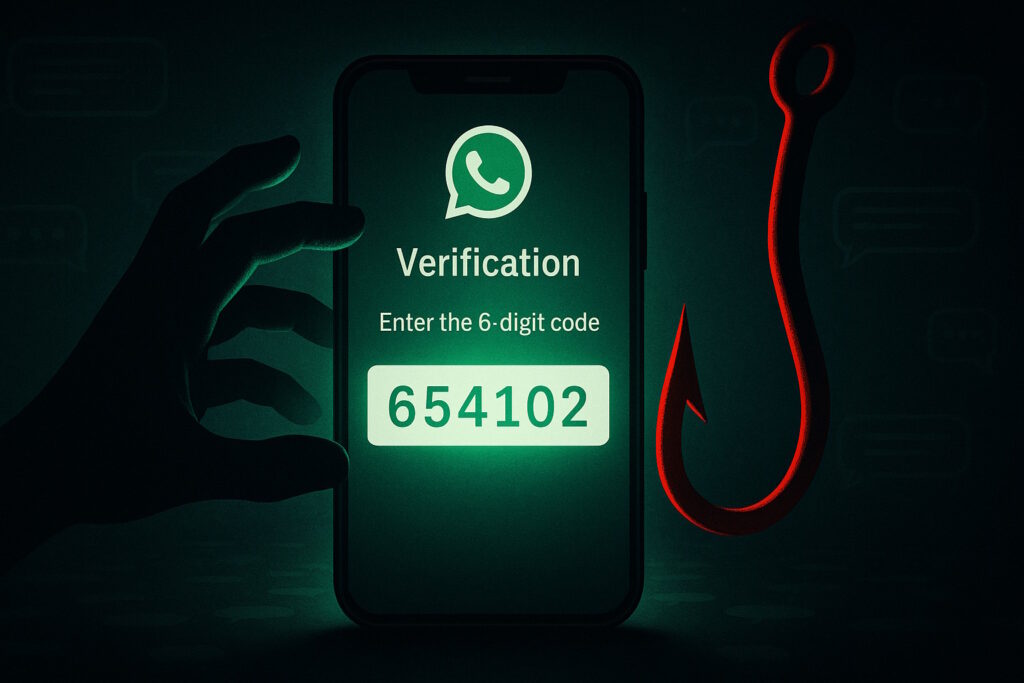
Key Takeaway: A WhatsApp takeover often begins with a message that appears credible—frequently from someone posing as an admin, support, or a known contact—asking you to share your six-digit verification code. If you share it, attackers can register your number on their device, lock you out by enabling two-step verification, and then impersonate you to defraud your contacts. The strongest defenses: never share verification codes, enable WhatsApp’s two-step verification and passkeys, and verify any “support” outreach through official channels.
Why WhatsApp Scams Are a Growing Threat
A WhatsApp scam might look like a routine message at first, yet it can lead to full account takeover within minutes. These schemes don’t always rely on malware or shady download links. Increasingly, they exploit trust—impersonating group admins, “support” staff, or acquaintances to trick you into handing over six-digit verification codes. Law-enforcement and consumer-protection agencies have flagged a rise in these social-engineering attacks, including campaigns that target large group chats.
The Setup: Not All Messages Are What They Seem
A typical lure starts in a group or DM: someone who looks like a moderator or a colleague warns of a “security” issue and asks you to share a code “to confirm your identity” or “join a call.” In reality, that code is your WhatsApp registration code. If you share it, you’ve handed over your account. Law-enforcement has documented scams that infiltrate WhatsApp groups to prime this exact request.
WhatsApp’s own guidance is unambiguous: never share your verification code. Receiving a code you didn’t request means someone entered your number and is trying to register it. If you don’t provide the code, they can’t complete the takeover.
The Trick: Turning Trust into a Weapon
These scams rely on context and credibility more than code. Impersonators may spoof names and photos or claim to be “WhatsApp Support.” Treat that claim with skepticism: official support in WhatsApp is clearly labeled and verified, and email responses only come from @support.whatsapp.com. Unsolicited messages demanding codes or passwords are a red flag.
WhatsApp Scam Alert: Watch for These Red Flags
- Any message—friend, admin, or “support”—that asks for your six-digit verification code. Legitimate services don’t ask for it.
- A pretext tied to groups: “share the code to register for a video call” or to “confirm you’re a member.” This is a known takeover tactic.
- Urgent language or threats of account bans if you don’t act immediately.
- “Support” outreach that isn’t from a verified WhatsApp Support account or an @support.whatsapp.com address.
What Happens After They Get In
Once attackers register your number on their device, they can enable two-step verification (a PIN) to keep you locked out—forcing you to wait before you can reset it. They then message your contacts while posing as you, often asking for money or pushing links. WhatsApp documents the seven-day wait scenarios around two-step verification and clarifies that re-registering your number logs out other sessions—but the delay can be costly if an attacker enabled a PIN first.
Stay One Step Ahead: Practical Safeguards
- Never share verification codes. Treat the six-digit code like a password. If you didn’t request it, ignore the message and do not forward the code to anyone.
- Enable two-step verification (PIN). This adds a second check when your number is registered on a new device; add a recovery email so you can reset the PIN if needed. Settings → Account → Two-step verification.
- Turn on passkeys. On iOS and Android, you can set up a passkey (Face ID/Touch ID/biometric) for future verification—reducing reliance on SMS codes that attackers try to steal. Settings → Account → Passkeys.
- Verify “support” claims. In-app support is marked with a verified badge; email replies come only from @support.whatsapp.com. Anything else is suspect.
- Be cautious with group invites and DMs. If a request seems unusual, confirm via a separate channel (a quick call or voice note) before acting. Authorities have seen takeovers seeded in community and religious groups.
- Report and recover. In the U.K., forward suspicious texts to 7726 and report to Action Fraud; in the U.S., report at ReportFraud.ftc.gov. If you lose access, re-register your number in WhatsApp and follow the platform’s recovery steps.
Conclusion: You Can’t Trust Every Message You See
Account-takeover scams rarely announce themselves. Often they arrive as a helpful nudge from a familiar name. The best countermeasure is discipline: don’t share verification codes, treat “support” messages with care, and harden your account with two-step verification and passkeys. Those small habits close off the very shortcuts social engineers rely on.
Want to stay informed about the tactics shaping digital safety—and the practical ways to counter them? Join Tech Scope Connect for expert discussions and timely briefings.
Sources:
- What’s a Verification Code and Why Would Someone Ask Me for It? | consumer.ftc.gov
- Received Verification Code Without Requesting It | faq.whatsapp.com
- About Safely Communicating With WhatsApp Support | faq.whatsapp.com
- About Registration and Two-Step Verification | faq.whatsapp.com
- About Two-Step Verification | faq.whatsapp.com
- Create a Passkey | faq.whatsapp.com
- WhatsApp Adds Global Support for Passkeys on iOS | techcrunch.com
- If Someone You Care About Paid a Scammer, Here’s How to Help | consumer.ftc.gov