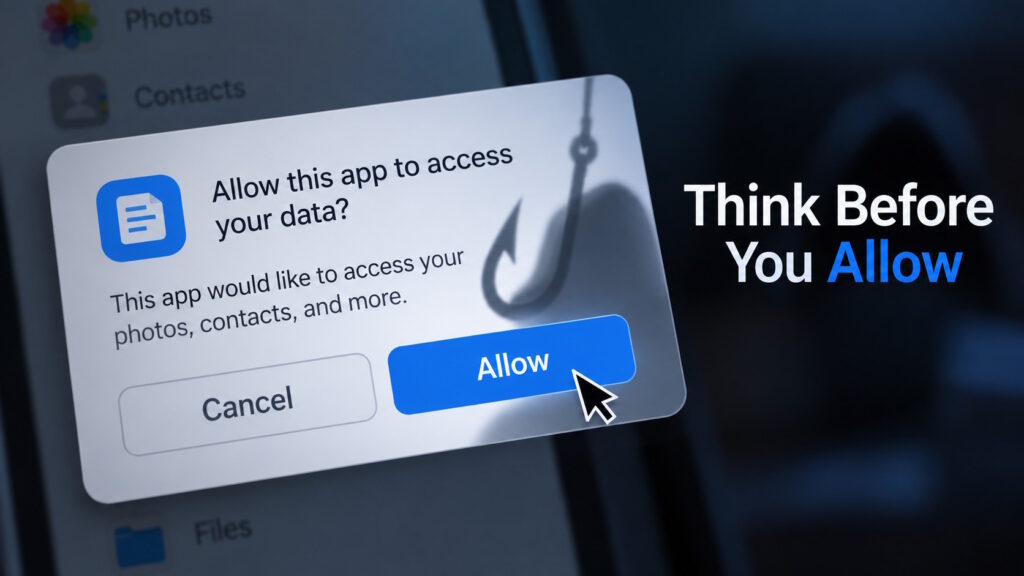
Key Takeaway: Consent phishing can turn a legitimate app permission screen into part of an attack. Instead of stealing your password, an attacker may trick you into granting a malicious application access to your account. Before clicking “Allow,” consider who controls the app, what access it requests, and whether those permissions make sense for what you are trying to do.
A Familiar Screen Can Still Hide a Risk
Consent phishing tricks you into giving a malicious application access to your account through a seemingly routine permission request. In this app-permission scam, attackers seek your approval and may never need your password. Even a genuine permission screen can become part of the deception.
Imagine this hypothetical situation: an event organizer sends you a link to a speaker briefing. You sign in through a familiar service, expecting to open a document. Then an application asks for account access, which you mistake for another verification step.
The FBI highlighted this risk in a September 1, 2026, advisory. It described attackers using file-sharing requests and event invitations to persuade targets to authorize malicious applications. The warning offers a useful reminder: recognizing the platform does not settle whether you should trust the app.
Signing In Is Not the Same as Handing Over Access
“Does signing in with Google give an app access to everything?” No—basic sign-in and broader account permissions serve different purposes. Signing in confirms your identity, while authorization determines what an application may access or do.
For example, “Sign in with Google” shares basic details such as your name, email address, and profile picture. That does not automatically give the app permission to read your inbox. Access to additional account data requires separate authorization.
Many integrations rely on OAuth, a framework for granting access without sharing your password with the requesting application. You do not need to learn the protocol to recognize the decision: another service wants permission to use your data.
How Consent Phishing Turns a Real Screen into a Trap
Back in our hypothetical scenario, the message promises a briefing, but the app requests permission to read your email. You approve because you think the step will open the document. Instead, you have authorized the app to access your mailbox.
If the attacker controls that app, it can use the permissions you granted without knowing your password. Consent phishing exploits the gap between the task you intended and the access you approved.
The real screen shows the requested permissions; the deceptive message gives you a misleading reason to accept them. The app’s request, rather than the promise in the message, describes the access at stake.
Does MFA Stop Consent Phishing?
Multifactor authentication, or MFA, adds identity checks beyond a password. It remains valuable protection for signing in. However, you can pass those checks and still approve a malicious app. The attack does not necessarily defeat your authentication method; it persuades you to make an unsafe authorization decision.
What Are You Really Letting the App Do?
An app permission defines which information or actions you authorize. Google describes several access levels, starting with basic profile details that help a service identify you.
Read access can let an app view or copy specified information, such as calendar entries. Broader management permissions may let it create, edit, upload, or delete authorized data. Access to Google Calendar does not automatically include Photos or Contacts; the permissions define those boundaries.
Still, read-only does not mean harmless. Imagine an app copying a confidential proposal: it could expose that information without changing a word in the original.
Duration deserves attention, too. Some apps use digital credentials called tokens to continue accessing approved services after you close the page. Refresh tokens can renew that access while they remain valid. A completed task does not necessarily mean an expired connection.
Four Questions Worth Asking Before You Approve
Who controls this application? The company hosting the permission screen may not own the app requesting access. Microsoft warns against trusting an app’s name or appearance alone. Publisher verification helps, but it does not replace reviewing permissions.
What information or actions does it want? Words such as “read,” “send,” “edit,” and “delete” describe different capabilities. You should understand both the data involved and what the app could do with it.
Does that access match my task? A scheduling tool requesting calendar access has a plausible explanation. A supposed identity check requesting broad mailbox access deserves closer scrutiny. A mismatch calls for investigation, although it does not automatically prove an attack.
Was I expecting this request? An invitation can look convincing without coming from the person it names. The FBI recommends verifying the sender independently. Calling a number you already know lets you check without relying on contact details in the suspicious message.
Changed Your Password? The App May Still Have Access
A password reset does not reliably remove an application’s authorization. Microsoft warns that resetting passwords alone does not resolve this type of attack. Changing how you sign in and withdrawing an app’s access address different parts of the problem.
Provider rules differ, and Google documents that password changes can invalidate refresh tokens containing Gmail permissions. Reviewing the app’s access remains necessary, even after you change your password.
After suspected consent phishing, go directly to your account provider’s settings to review connected apps. Google’s linked-app settings distinguish access to account data from a basic sign-in connection. You can review the app’s permissions and remove its access there.
For a workplace account, prompt reporting lets your IT or security team investigate the app’s permissions and activity. Removing access does not retrieve information the application already copied, so revocation is only part of the response.
Safer Integrations Should Not Depend on Guesswork
Employees should not have to become security specialists to connect a useful tool. Organizations can define which permissions employees may approve and which requests need an administrator’s review.
Microsoft recommends restricting user consent to selected permissions and verified publishers. It also recommends approval workflows and reviews of existing applications and access grants.
An effective process gives employees a clear place to ask, “Can I connect this app to my work account?” The requesting team can explain the business need, while the designated reviewer evaluates the permissions.
Addressing consent phishing becomes a shared responsibility rather than a test of individual suspicion. The aim is to support useful connections while avoiding unnecessary access.
Conclusion: A Familiar Button, a More Informed Decision
The next time a permission screen interrupts your task, consider what your approval would actually authorize. Am I proving who I am—or giving this application permission to do something?
A familiar screen cannot answer whether you should trust the app. Understanding who wants access, what they can do, and why they need it makes the decision more informed.
Want to stay informed about phishing and other emerging cybersecurity risks? Join the conversation at Tech Scope Connect, where we explore the technologies, threats, and trends shaping our connected world.
Sources:
- Protect Against Consent Phishing | learn.microsoft.com
- Malicious Cyber Actors Gain Access to Victim Accounts Through Consent Phishing | ic3.gov
- How Sign In With Google Works | support.google.com
- Sign In With Google | developers.google.com
- Using OAuth 2.0 for Web Server Applications | developers.google.com
- Detect and Remediate Illicit Consent Grants | learn.microsoft.com
- What Is Multifactor Authentication (MFA)? | microsoft.com
- Share Some Access to Your Google Account Data With Apps From Other Developers | support.google.com
- Using OAuth 2.0 to Access Google APIs | developers.google.com
- Application Consent Management and Evaluation of Consent Requests | learn.microsoft.com
- Manage Links Between Your Google Account & Apps From Other Developers | support.google.com